Snap.
Point the camera. The app finds the receipt's corners and captures on its own once it's sharp. Long receipts and batches too.
SingleBatchLongPDF or email
Snap a photo of the receipt. The app reads the fiscal QR code, files it under the right category and, at month end, sends a tidy folder to your accountant.
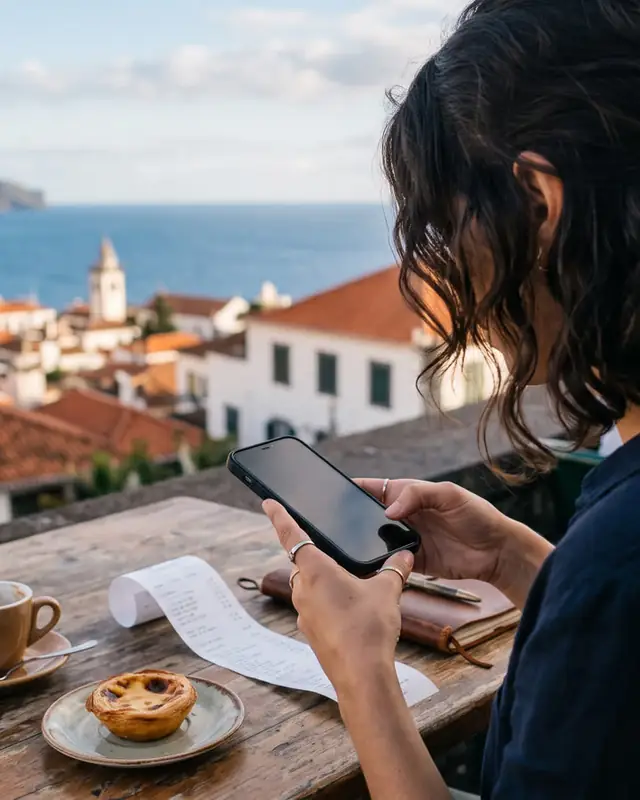
Receipts in the glovebox, in your wallet, in your inbox. At month end your accountant wants them all, in order, with your NIF. The hunt begins.
Point the camera. The app finds the receipt's corners and captures on its own once it's sharp. Long receipts and batches too.
The fiscal QR code gives the supplier's NIF, your NIF, the date, the ATCUD and VAT per rate. The category comes from the supplier. Just tap Save.
The dashboard shows what you spent this month, by category and supplier, how much VAT you paid and which receipts still lack your NIF.
At month end every receipt goes into one folder, in order, with a summary cover. By email, WhatsApp or link. Or automatically, on the 5th.
Since 2022 every receipt in Portugal carries a QR code with its tax data. It's exact, free, and doesn't depend on reading tiny print.
Invented example. Fields per Portaria 195/2020: K = Madeira tax region (PT-MA). Without a QR code, the app uses on-device text recognition.
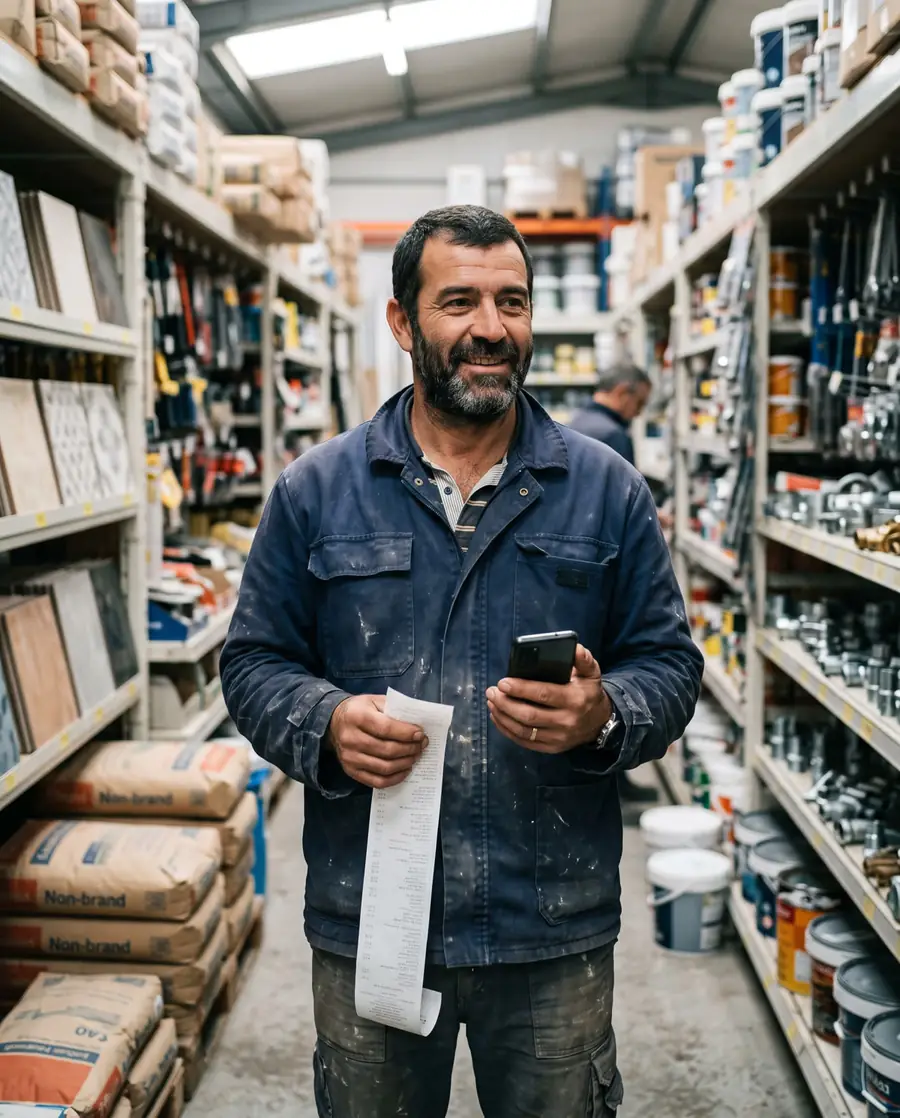
Tell it once that Maxmat is Construction. The next Maxmat receipt is filed automatically.
23 receipts · 14 suppliers · €198.40 VAT
Your accountant needs your NIF on every receipt. The app compares the NIF in the QR code with yours and warns you straight away, so you can ask for a copy while you're still at the till.
Also reads mainland (PT) and Azores (PT-AC) receipts.
Edge detection and auto-capture. Batch mode for a pocket full of receipts. Import PDFs and emailed invoices.
QR and text reading happen on your iPhone. Cloud AI is only used for unknown suppliers, under a data-processing agreement (GDPR).
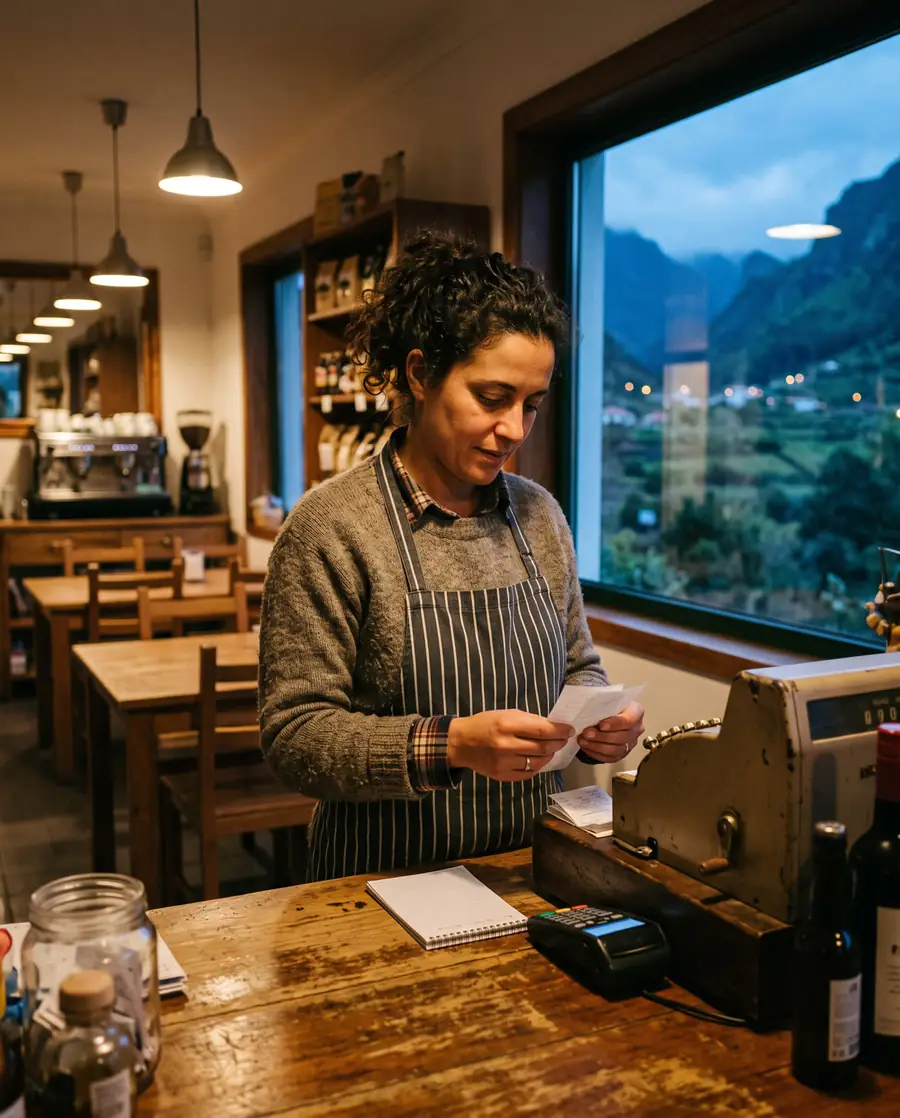
Cafés, builders, holiday lets, workshops. Self-employed people who'd rather not spend Sunday gluing receipts to a sheet.
Create a quote in two minutes, send it to your client and track the answer. Once it's accepted, it goes into the monthly folder and your accountant issues the invoice.
| Description | Qty | Price | Total |
|---|
She handles the e-Fatura categories and Portal das Finanças. You just hand her everything, complete and in order.
Last month's folder goes out by itself. You see when it's opened and downloaded.
NIF, ATCUD, regional VAT and simplified invoices. In European Portuguese, with English one tap away for anyone working with clients from abroad.
Then pick a plan and how you'd like to pay. Everyone on the waitlist keeps these prices for good.
Founder price for the waitlistFor the self-employed.
For companies with a team and an accountant.
Prices include VAT. Subscription through the App Store, cancel any time.
Can't find your answer? Write to us at ola@faturapronta.app.
No, on purpose. FaturaPronta organises your receipts and hands them to your accountant. She validates the e-Fatura sectors and deals with Portal das Finanças.
There's no public way for an app to read your e-Fatura invoices. A photo of the paper receipt, with its QR code, is the most reliable route.
The app reads the text on your iPhone and fills in the supplier, date and total. You confirm before saving.
QR and text reading happen on your iPhone. Only receipts from unknown suppliers may be sent to an AI service to suggest a category, under GDPR and a data-processing agreement.
Yes. Pick your language on the first screen and switch any time from Home or Settings.
The app creates quotes with your logo and tracks whether they're accepted. In Portugal, invoices must be issued by software certified by the Tax Authority, so accepted quotes go into the monthly folder and your accountant issues the invoice.
It's in development. Join the waitlist and we'll tell you when it's on the App Store.
Everyone who joins the waitlist before launch keeps the launch prices (€6.99 a month for Pessoal and €24.99 a month for Empresa) for good, even if prices go up, as long as the subscription stays active.